
Private tools.
Right in your browser.
A little help with your images, documents, and audio.
Powered by local AI. Your files stay yours.
Background Remover
Let your subject stand out. Remove backgrounds from people, products, and pets.
AI cutoutImage Upscaler
Give small images room to grow. Enlarge your images 2× with local AI.
2× resolutionImage to Text
From screenshot to something editable. Recognize multilingual text in images.
MultilingualSpeech to Text
Make your recordings readable. Turn speech into text and subtitles, privately.
Text & subtitlesWhat are you working on?
Small, thoughtful tools.
Organized around what you need.
A little less background.
A little more possibility.
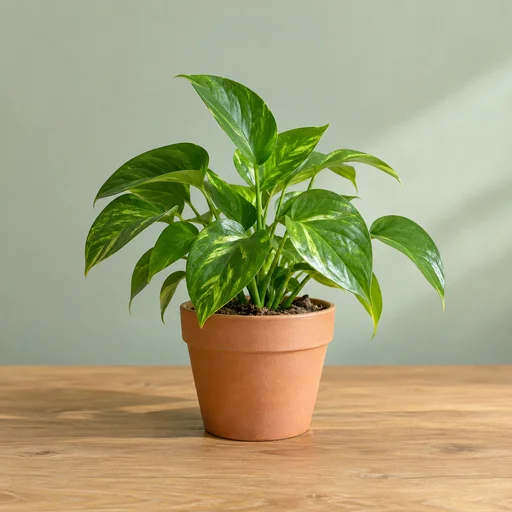
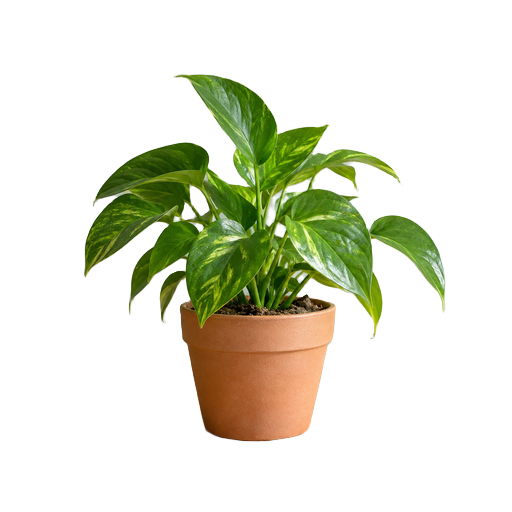
This sample was processed in the browser with BiRefNet Lite. Review the edges, keep what you like, and save a transparent PNG.
Try background removalAI-generated source image · actual model output · results vary by image.
Your files don’t need
to go on a journey.
Private tools that run locally in your browser.
The model comes to you. Your files stay on your device.
Choose your file
A photo, a screenshot, or a recording. Select it directly from your device.
Let a small model help
The model downloads on first use, then does the work right inside your browser.
Make it yours
Review, edit, and save the result. No account and no file upload required.
An internet connection is needed to load the site and models. Cached models can be reused while the workspace stays open.
Good tools. Helpful guides.
How to extract text from screenshots
Turn images into editable text with multilingual PP-OCRv6.
How to remove an image background locally
Create a transparent image while keeping the original on your own device.
How to transcribe audio without uploading it
Create a transcript and subtitles with a small model on your own device.
Do my files leave my device?
No. Files and results stay inside the local processing workspace. The site downloads model files and application code, but does not upload your images, recordings, or extracted text.
Why is there a download the first time?
The AI model needs to be on your device to work privately. We show its size before you begin and cache model assets when browser storage is available.
Will it work on my phone?
Some tools do, but desktop browsers are the best starting point. GPU support, available memory, file size, and model requirements affect what your device can run.
Can I use the results commercially?
You keep your files and results. You are responsible for having the necessary rights to your input and reviewing the result. Model attribution and license information are available in our open-source notices.